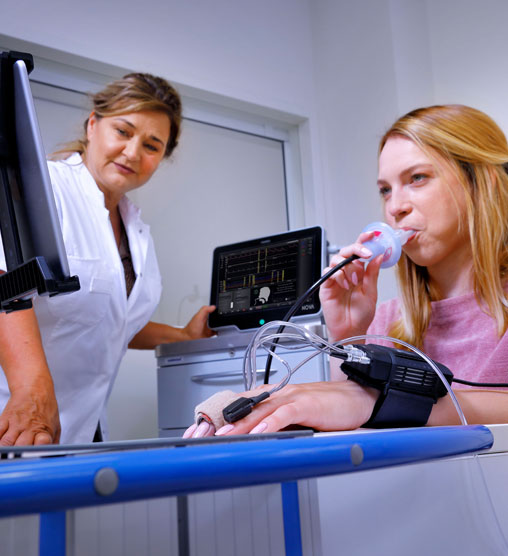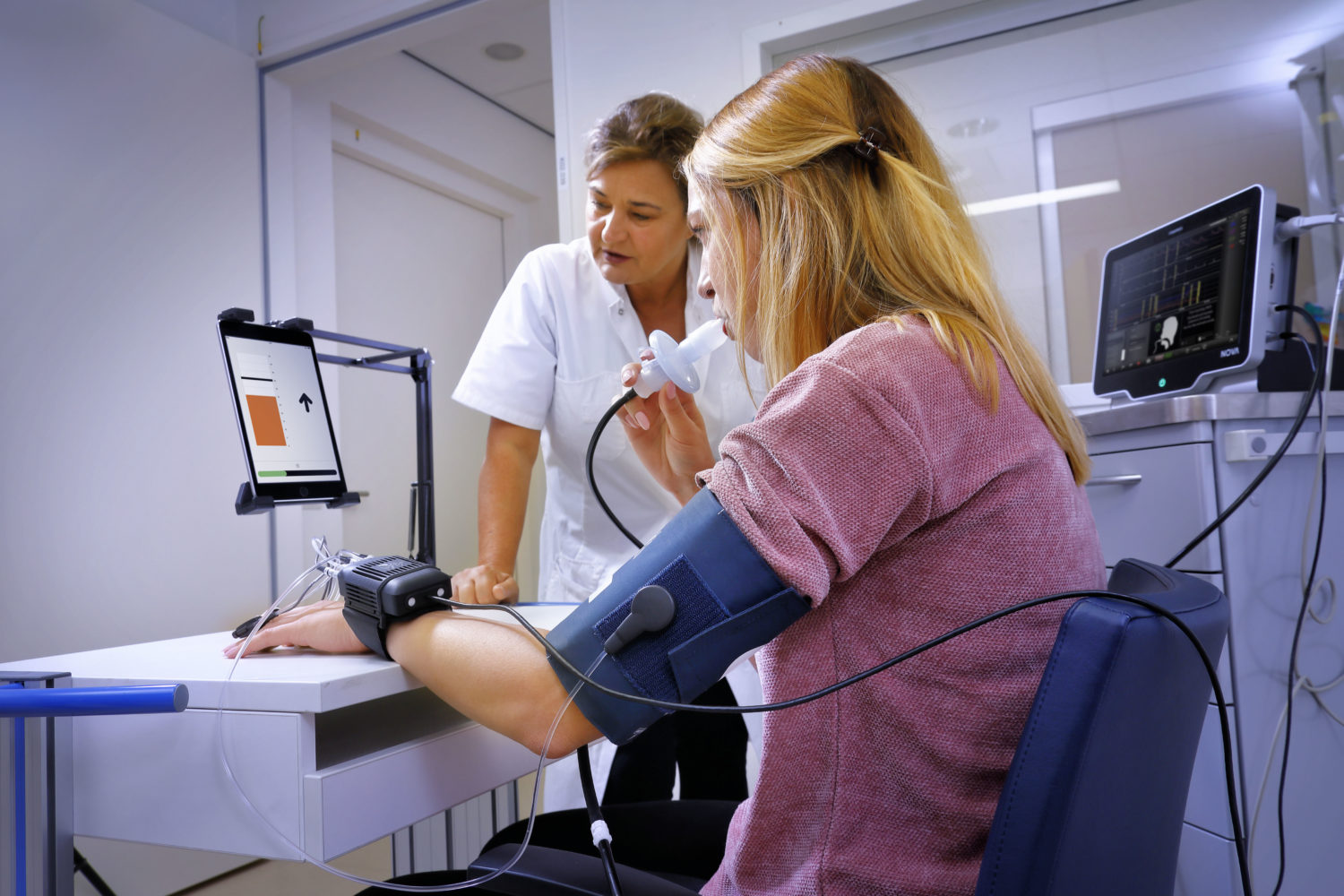
Changes in blood pressure are sometimes more important than absolute values. When trends are most important the Finometer® MIDI is the optimal solution for hemodynamic monitoring. Trends can easily be visualized using BeatScope® software installed on a PC.
The Finometer® MIDI shows current blood pressure values on the display. Other parameters can be shown using BeatScope® software installed on a laptop or desktop computer. Data can easily be stored on the laptop or network. Data can be transferred to patient files and other systems. It is also possible to export data to statistical programs and other database programs like Microsoft Excel easy. This offers researchers the opportunity to manipulate the date for easy analysis.
The following parameters are available using the Finometer® MIDI in combination with BeatScope® software:
| Parameter | Abreviation | |
| 1 | Blood Pressure SYS | SYS |
| 2 | Blood Pressure DIA | DIA |
| 3 | Blood Pressure MEAN | MEAN |
| 4 | Heart rate | HR |
| 5 | Inter beat interval | IBI |
| 6 | Cardiac output | CO |
| 7 | Stroke volume | SV |
| 8 | Heart rate variability* | Not available |
| 9 | Baroreflex sensitivity* | Not available |
| 10 | Total peripheral resistance | TPR |
| 11 | Total arterial compliance | CwK |
| 12 | Max. steepness of current upstroke | dp/dt |
| 13 | Ascending aortic impedance at DIA | Zao |
| 14 | Left ventricular ejection time | LVET |
| 15 | Rate pressure product | PS*HR |
*Heart rate variability and Baroreflex sensitivity are available in combination with BeatScope® 1.1.a.
Finometer® MIDI is the commercial name for Finometer® Model-2