
1.15P
Download only if your device runs on Windows 7.
The zip folder contains 2 files: Software Release Note and .nsi file.
After extraction, put the .nsi file on a USB stick (in the root, not in a folder) and read carefully the Software release note before proceeding with the software upgrade procedure.
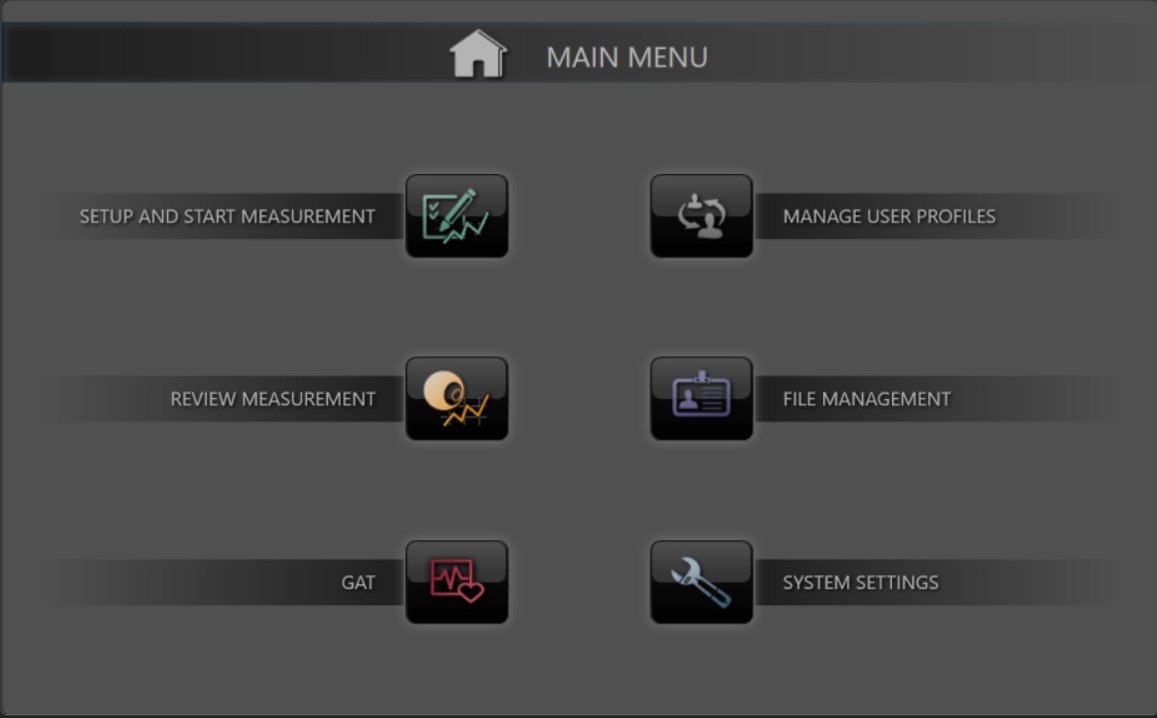
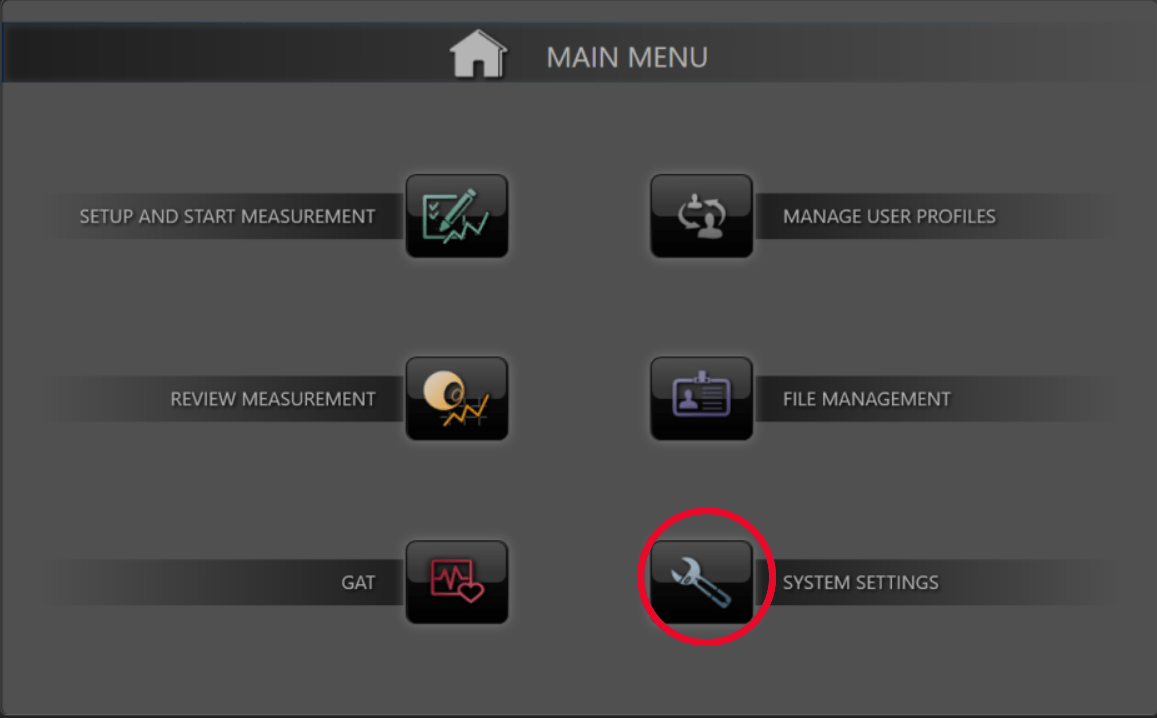
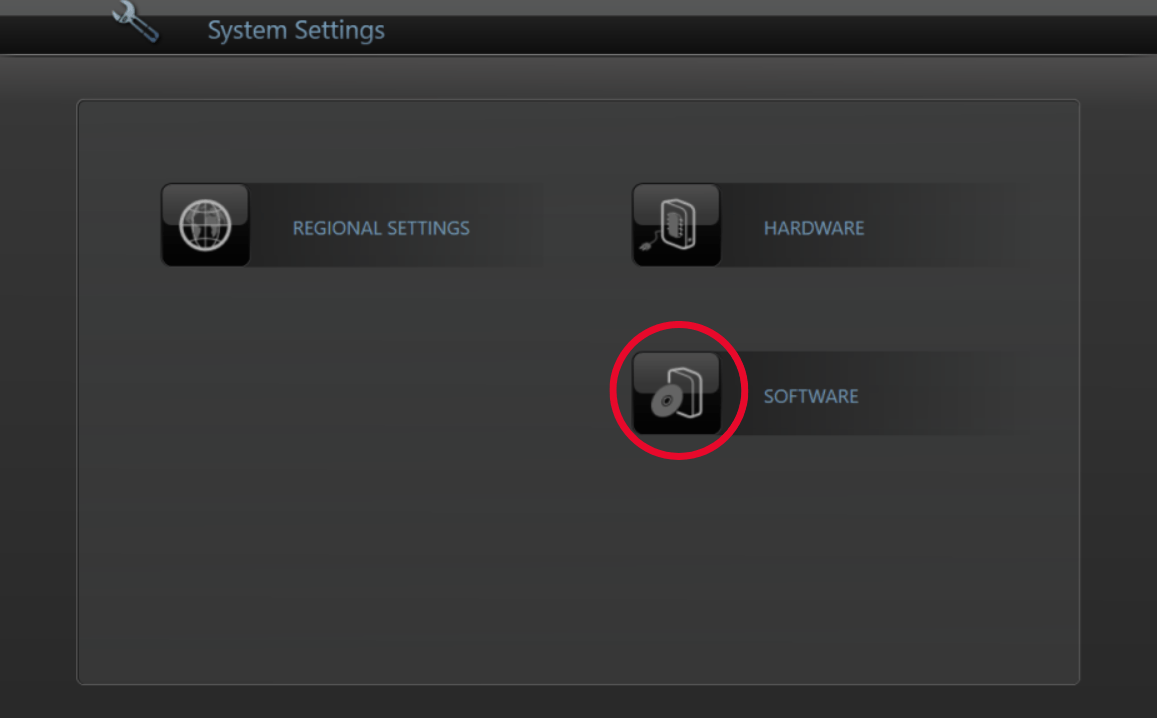
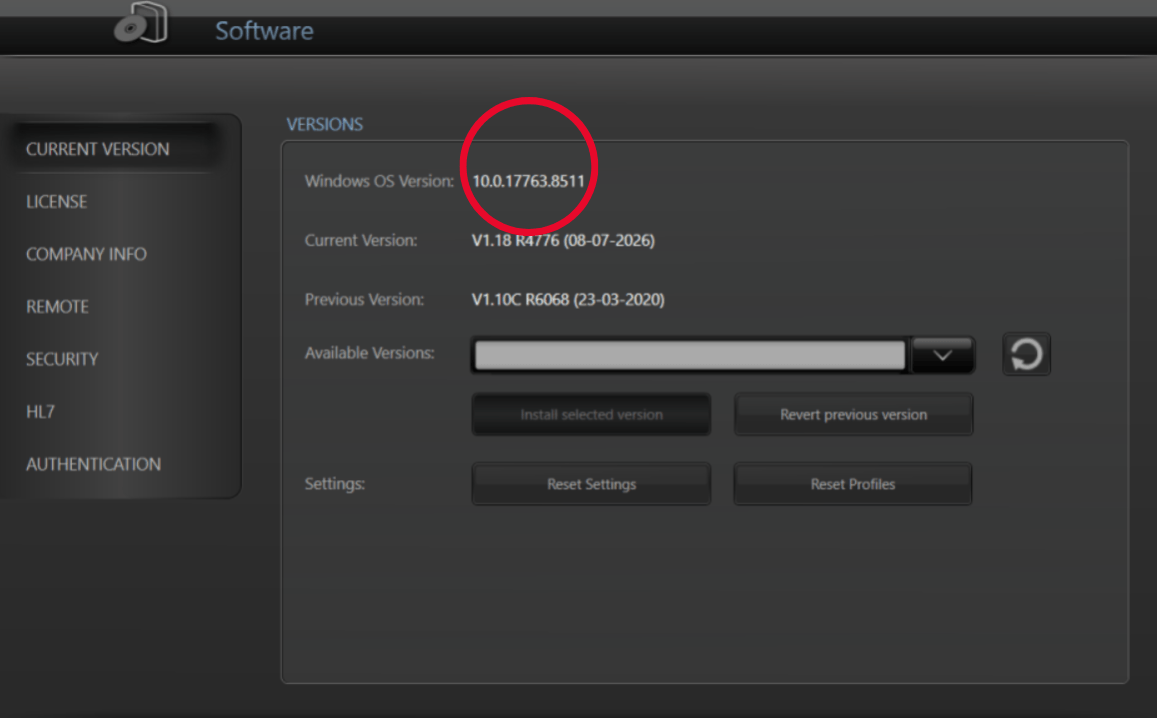
Go to the software settings menu to update the software on the NOVA®. Select the file in the dropdown menu and press install. After the NOVA® has uploaded the software it shuts down. At that point, please start the NOVA® again and wait for the software to install. After a while, the main menu should appear and you should be ready to go.